My last trail race was a bit over a year ago and apparently these experiences are some of the few I find worth documenting, so I'll bring the imaginary reader up to date on the the last year of running/hiking related activities/health/etc, even though my 2023-in-review post did some light quantification.
After Ray Miller I kept running and ran some road races in NY, including the Brooklyn Half, and a 5k a week later (when I wasn't fully recovered, which was also fun but probably too hard to soon). Later on in May I started having some leg nerve feelings, which ended up being caused by a herniated disc, so I had to cool it on the running for a bit. I started walking a lot. Pretty much any time I would normally bicycle somewhere, I'd walk instead. And as advised, I got a routine going of core strength exercises, and figured out how to continue my glute/hamstring PT. The gym, ugh. I think I read somewhere that gymnasiums were originally places where people would work out in the nude. Maybe the root was the greek word for nudity? anyway I digress. I find myself doing this in text messages too, saying way too much. Do I do it in person too and not notice it because there's no written record of it?
In the summer, Steve, Edward and I all signed up for the January 27, 2024 Sean O'Brien 50 miler.
Edward and I ran this race in 2020, right before the pandemic, and joked about how covid would be nothing. When I signed up for the 2024 race, I wasn't running, did not know if I would be running by January, but I figured worst case I could try to power hike it.
I walked the NY Marathon in November (in 5:20 or so), which was a fantastic experience and I would recommend it to anybody who likes to walk. I took videos of a lot of the bands who played and then had a good Strava post which read as a tripadvisor review of the New York Music Festival -- too much walking! I should've posted those videos here. Maybe I still will. Let me know in the comments if you think that's a good idea.
A couple of weeks after the NY Marathon, I started running again, and worked up (with a covid-intermission) to a few 15-20 mile weeks, on top of 40-60 miles of walking. When I was running at my peak, the most miles per week I'd ever sustain was about 40, so I was feeling pretty good about the volume and time on my feet. Then, the week before the race, the SOB organizers sent out an email that mentioned you could change distances, and also that if you were running the 100k and you missed the 17 hour cutoff (or decided you wanted to bail), you could drop to the 50 miler during the race, at mile 43. So it became a fathomable thing -- sign up for the 100k, and if you're not feeling it at 43, just do 50. And not only that, if things go really poorly, it buys you another half hour for the 50 miler. Steve and I decided to do that.
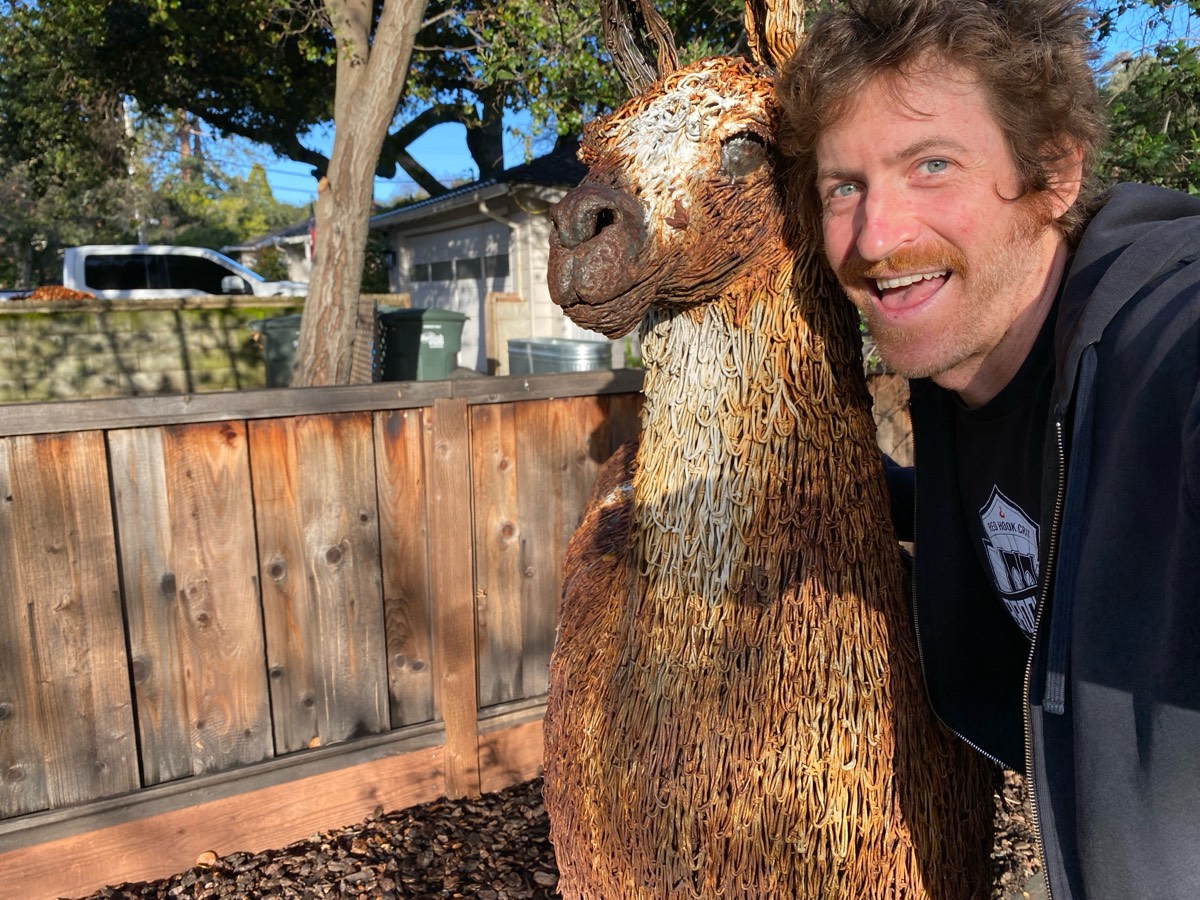 (an old friend saw me off on my journey)
We drove to LA.
(this dog barked at me until I acknowledged him at the red light)
The (almost)-annual pilgrimage to Tacos Delta. Saw Paranorm. ChatGPT told us (and Wikipedia eventually confirmed) that Tarzana was named after the creation of its resident Edgar Rice Burroughs. Steve walked 15 miles the day before the race (!).
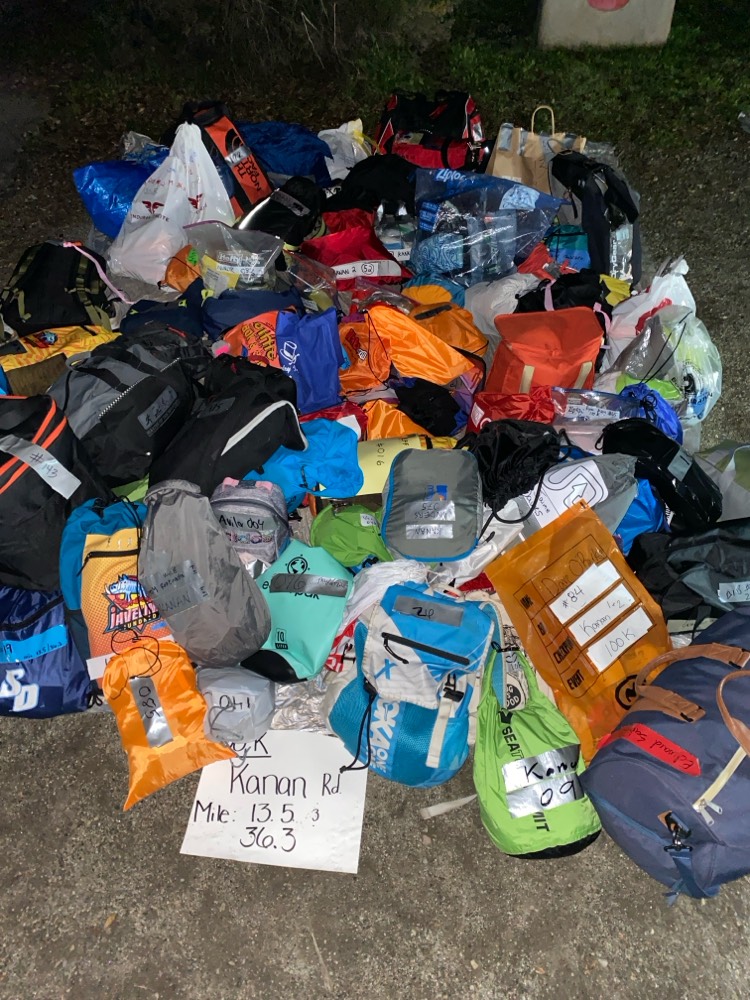
drop bags
Gear for the race:
- I wore the most comfortable shoes I had, which were Hoka Clifton 9s, with probably 1500 miles on them (nearly falling apart, by the end they were definitely falling apart). I've been using the https://www.activeimprintsco.com Active Imprints insoles which are great for some mild form corrections.
- At Edward's strong recommendation, I hiked with trekking poles. This turned out to be a huge help. Game changer. Kept me from tripping on my face countless times and the course has some steep climbs which you really can power up with. They were very common in use, and a few other runners I talked to regretted not bringing them (side note, what's the deal with the TSA requiring them to be in checked luggage? You're going to hijack a plane using trekking poles?! wtf).
- Since the start was before dawn and the finish would almost certainly be after sunset, I needed a headlamp. I modded my Fenix HM50R to be waist-mounted (old SPIbelt, heh). And I had a cheapo 5 GBP LED headlamp as a backup. Seeing other people with waist-mounted lamps, though, makes me want one of those (much wider illumination area etc).
- Backpack (Salomon Agile 6) with water bladder and stuff. I also carried my usual 24oz steel water bottle, which I usually keep and toss with my hands, which is enjoyable, but with trekking poles it was a pain in the ass, and while I could put it one of the front pockets of my backpack, it was a pain to take it in and out, especially as the day wore on. Noted.
- I started trying tailwind a few months ago so I brought some packets of that, stroopwaffels, trader joe's peanut butter pretzels, and some almonds.
The race -- forecast was a low of 55 and a high of 72. Turns out the start was considerably colder, though, due to microclimates of the valley. But it was still quite pleasant having so recently been in the 20-degree highs of NY.
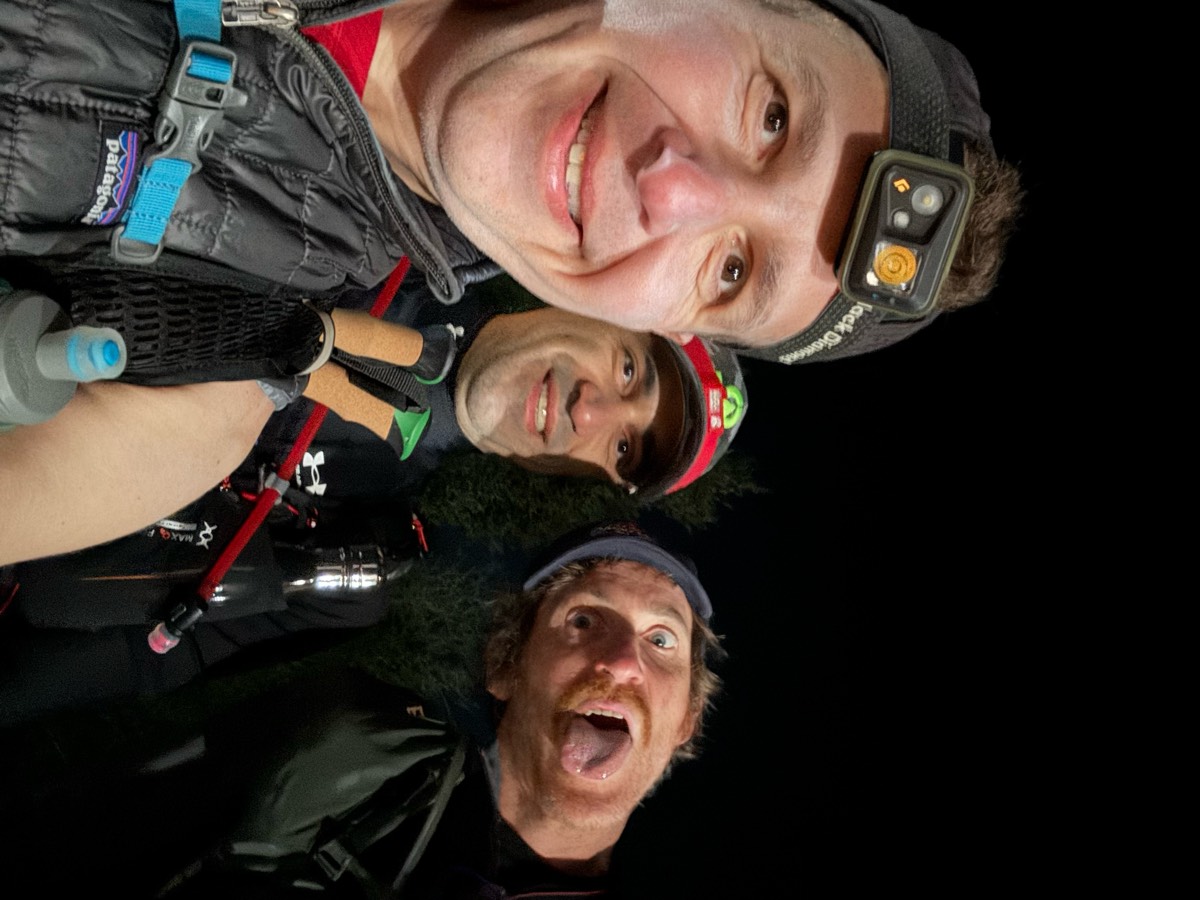
Psyched sideways
The first half of the race was more of a run than a race, as these things go.
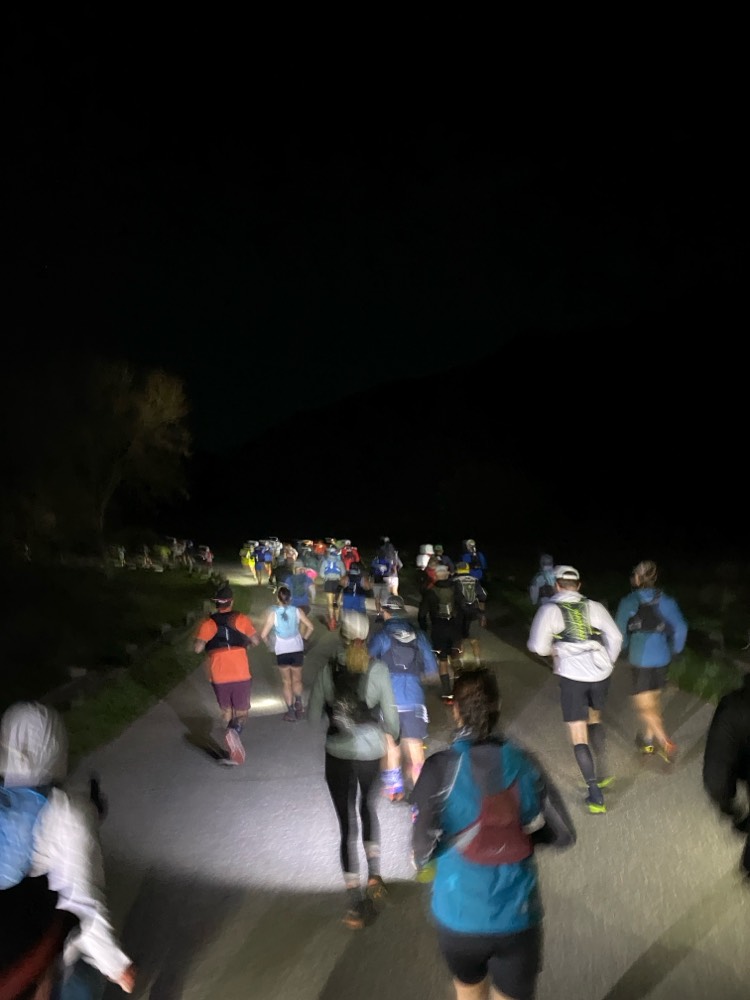
The race begins on a road. Hey wait.
The water crossing at mile 2 was quite a bit higher and unavoidable this year. In 2020 I managed to keep my feet dry. The wool socks I was wearing quickly dried out and didn't give me any problems.
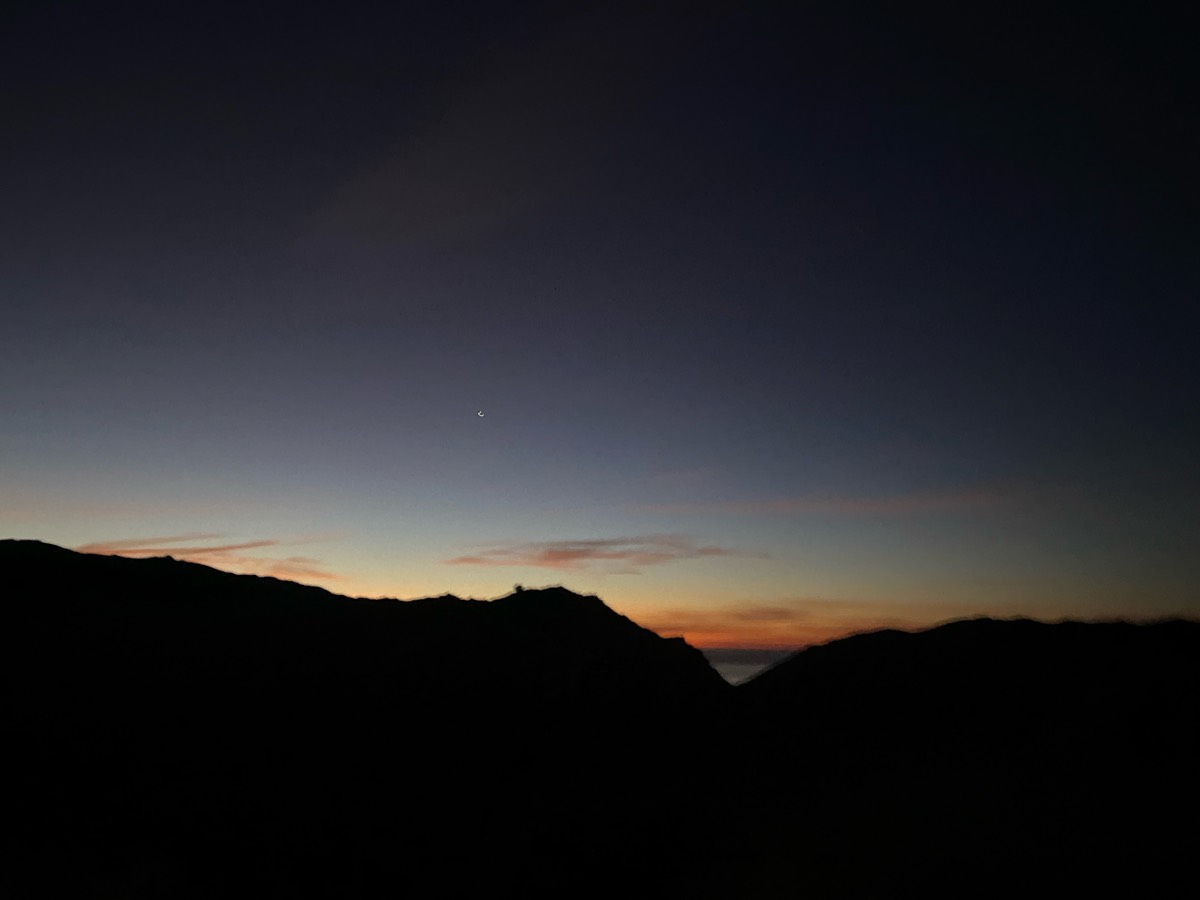
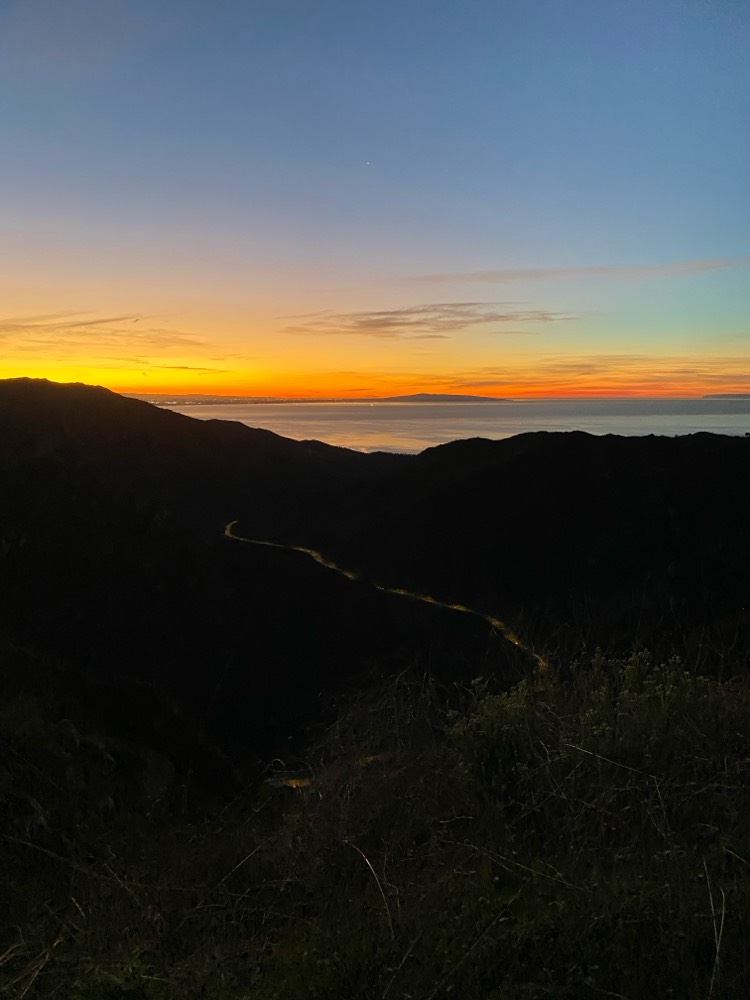
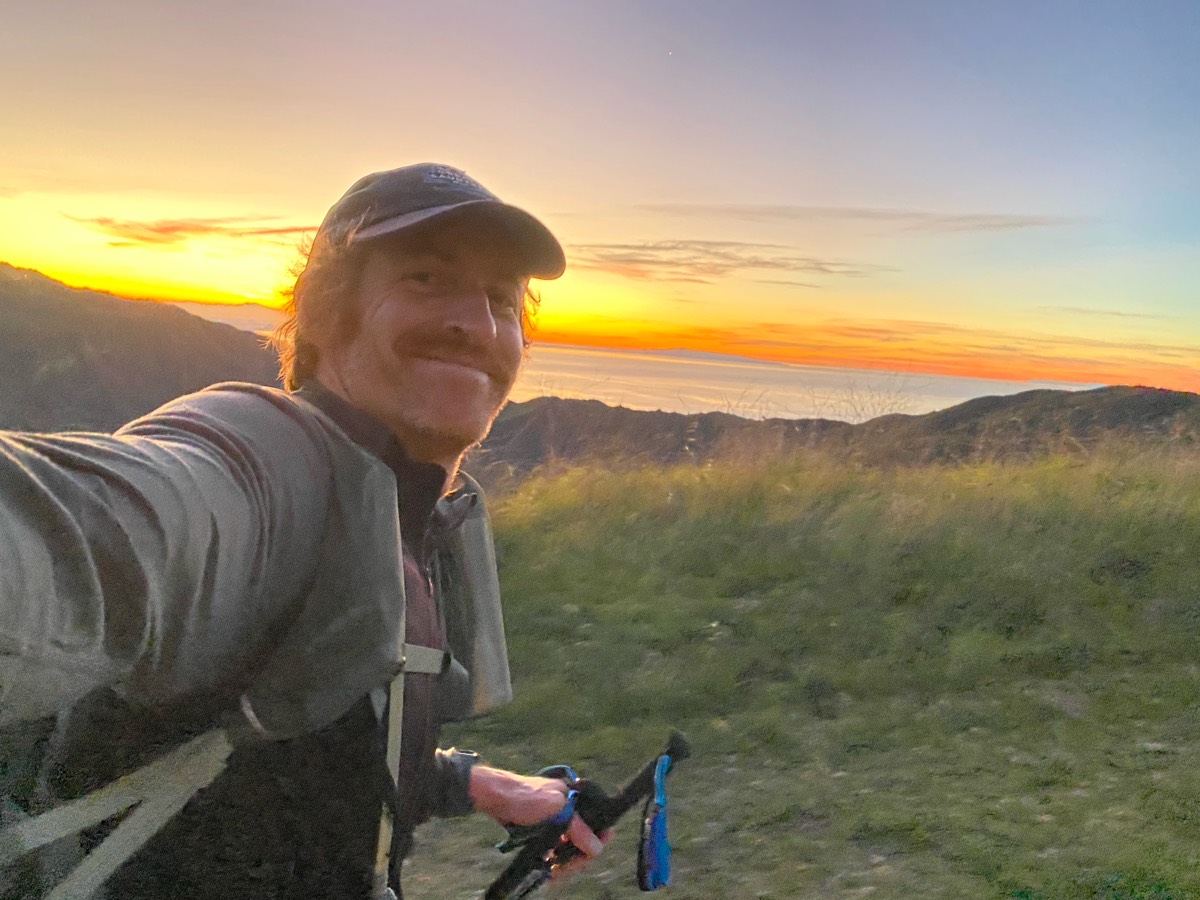
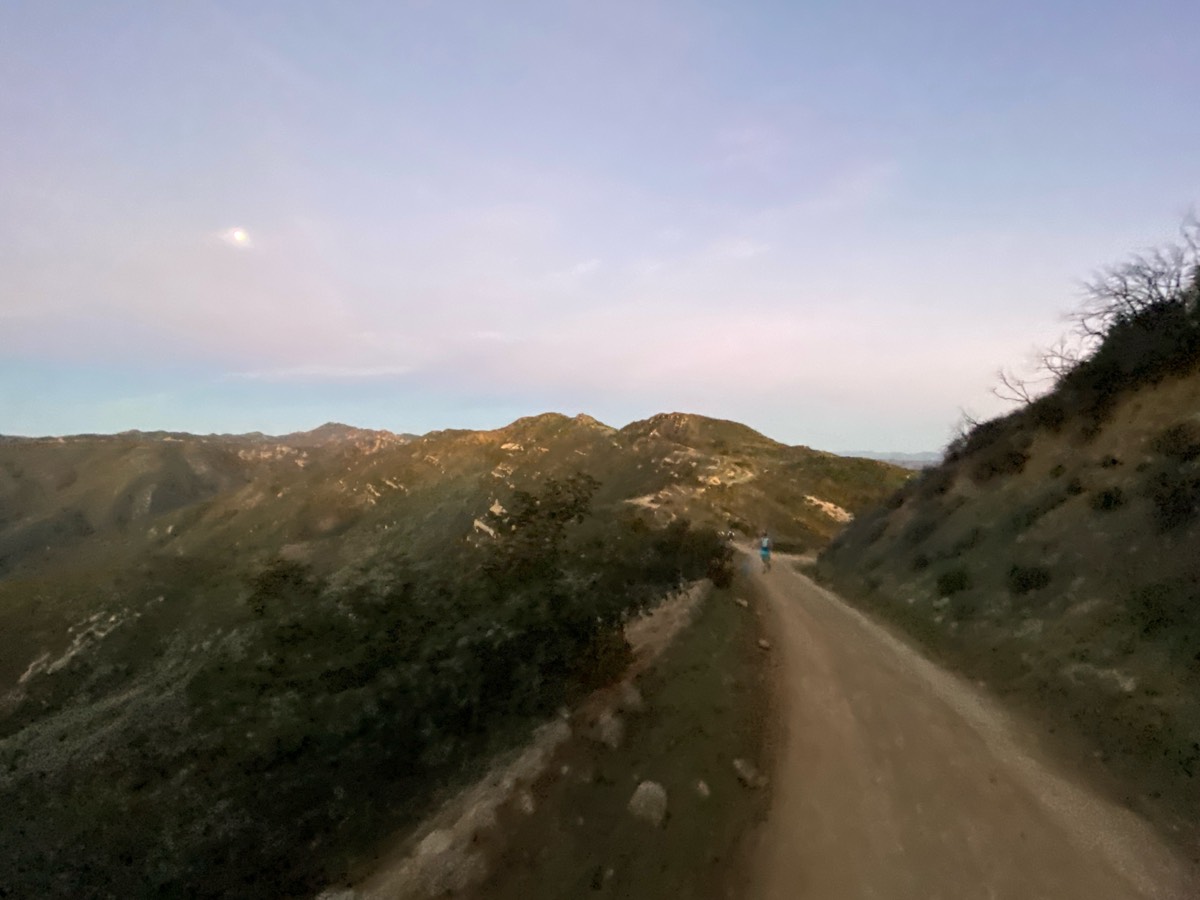
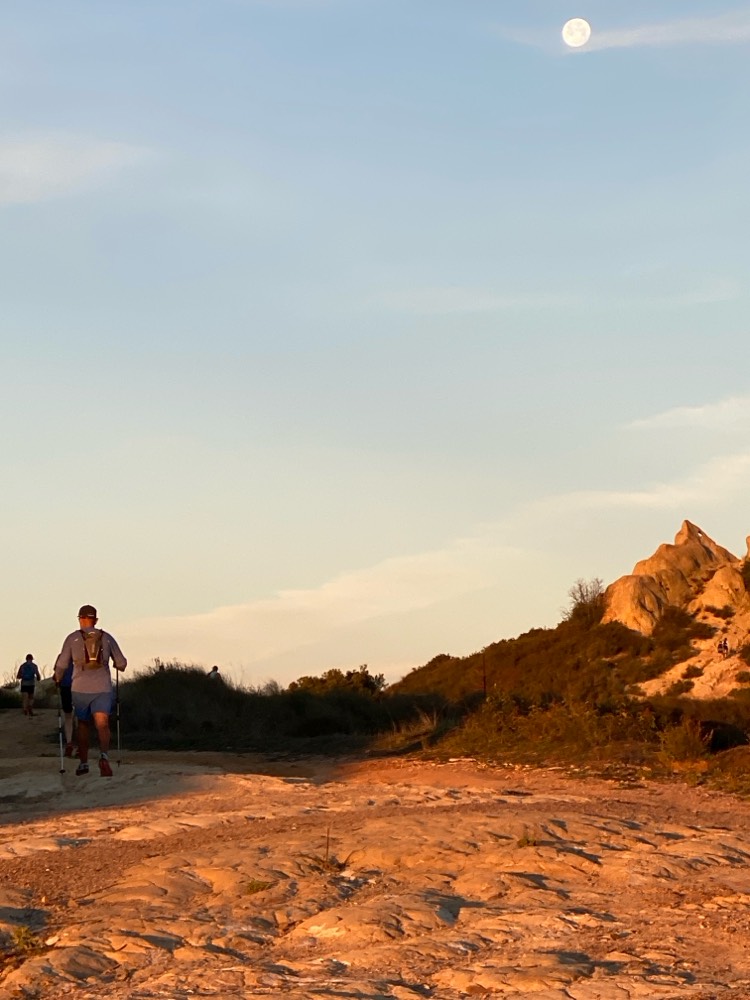
I changed my shirt and hat and dropped off my headlamp at the drop bag at mile 13, around that time I noticed some bits of chafing in spots, put some bodyglide on there and it stopped being a problem.
Peanut butter pretzels were good, stroopwaffels too. I think I might have accidentally dropped a wrapper though, ugh, sorry, hopefully someone picked it up. I put it in my pocket and closed the zipper but when I went to open the pocket at the aid station to dump the trash it was gone. Or maybe I misplaced it. Your brain sometimes loses track of all of these things.
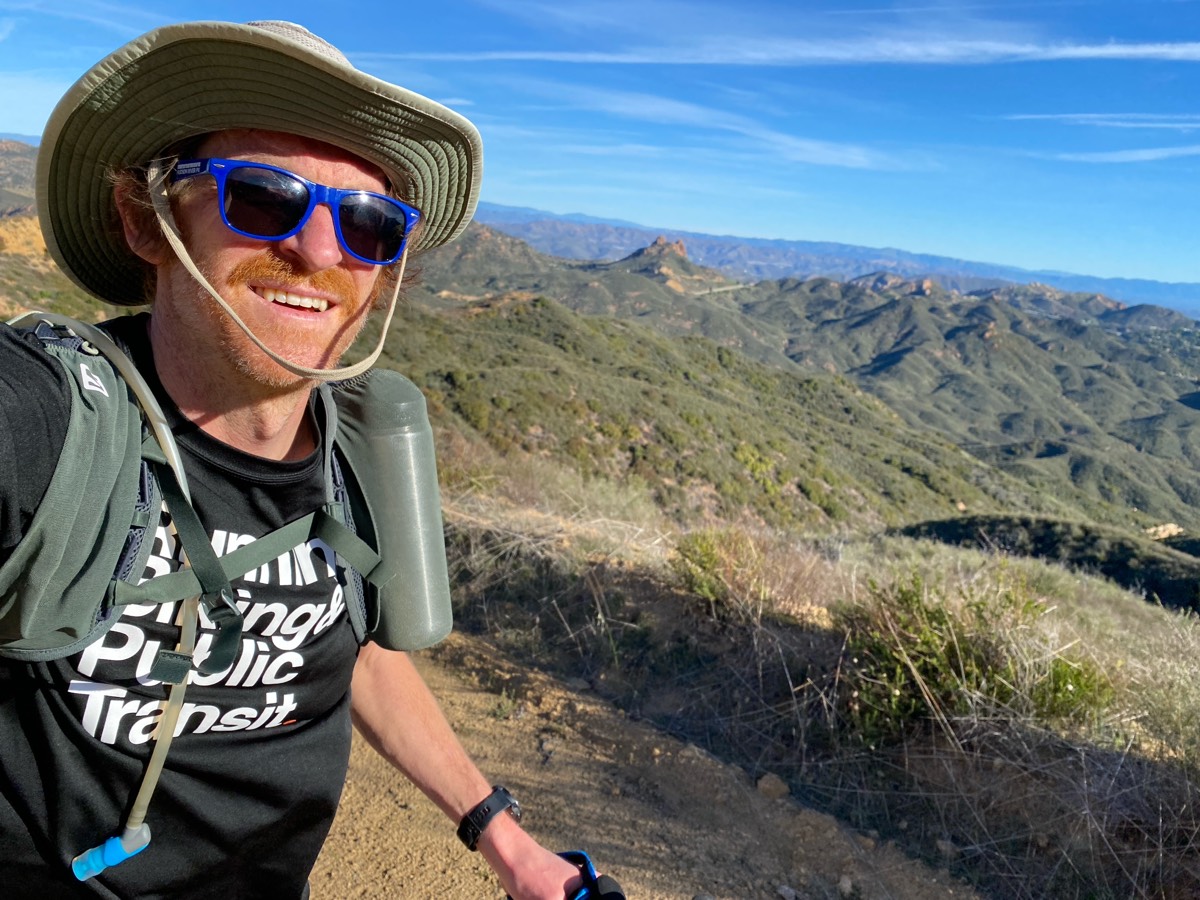
why didn't someone tell me that water bottle looks ridiculous in the pocket?
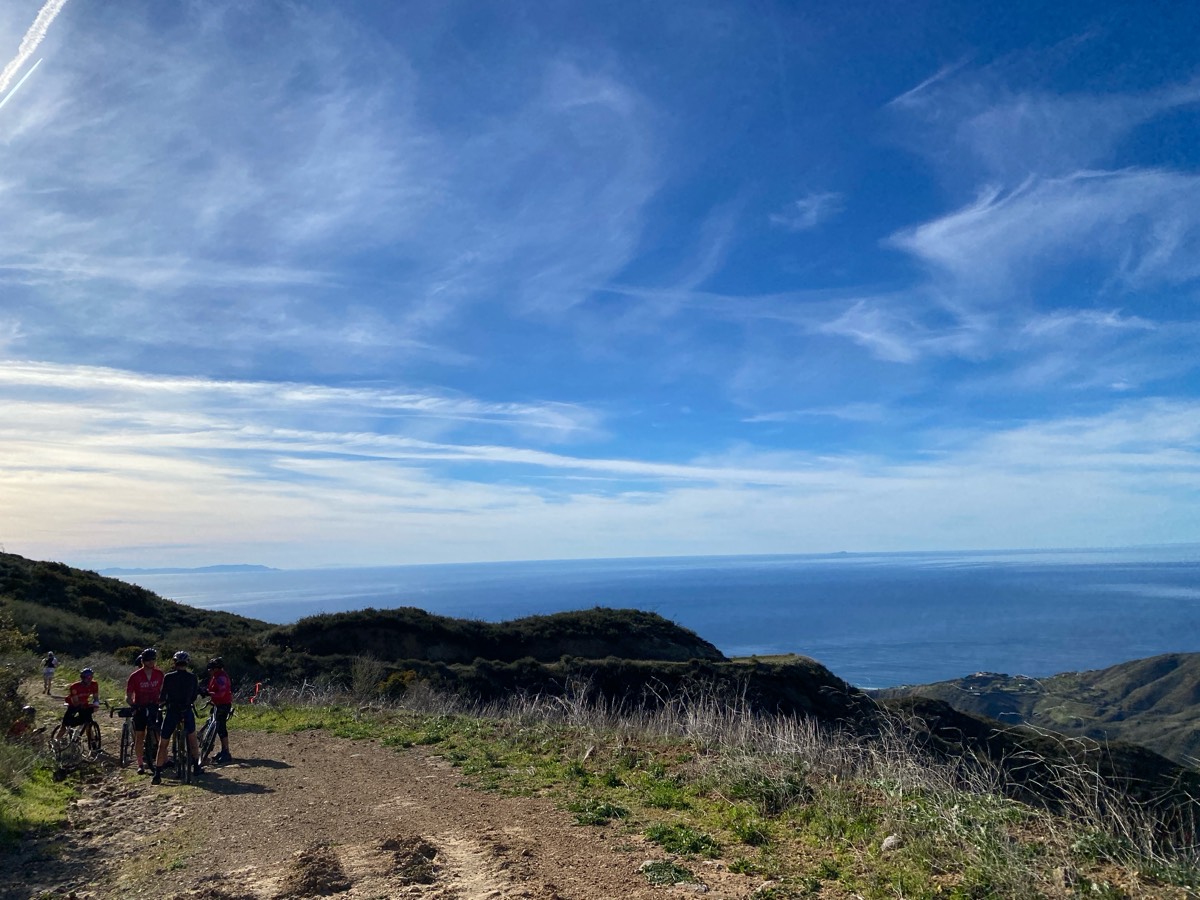
group of mountain bikers having lunch, I assume. nice spot for it.
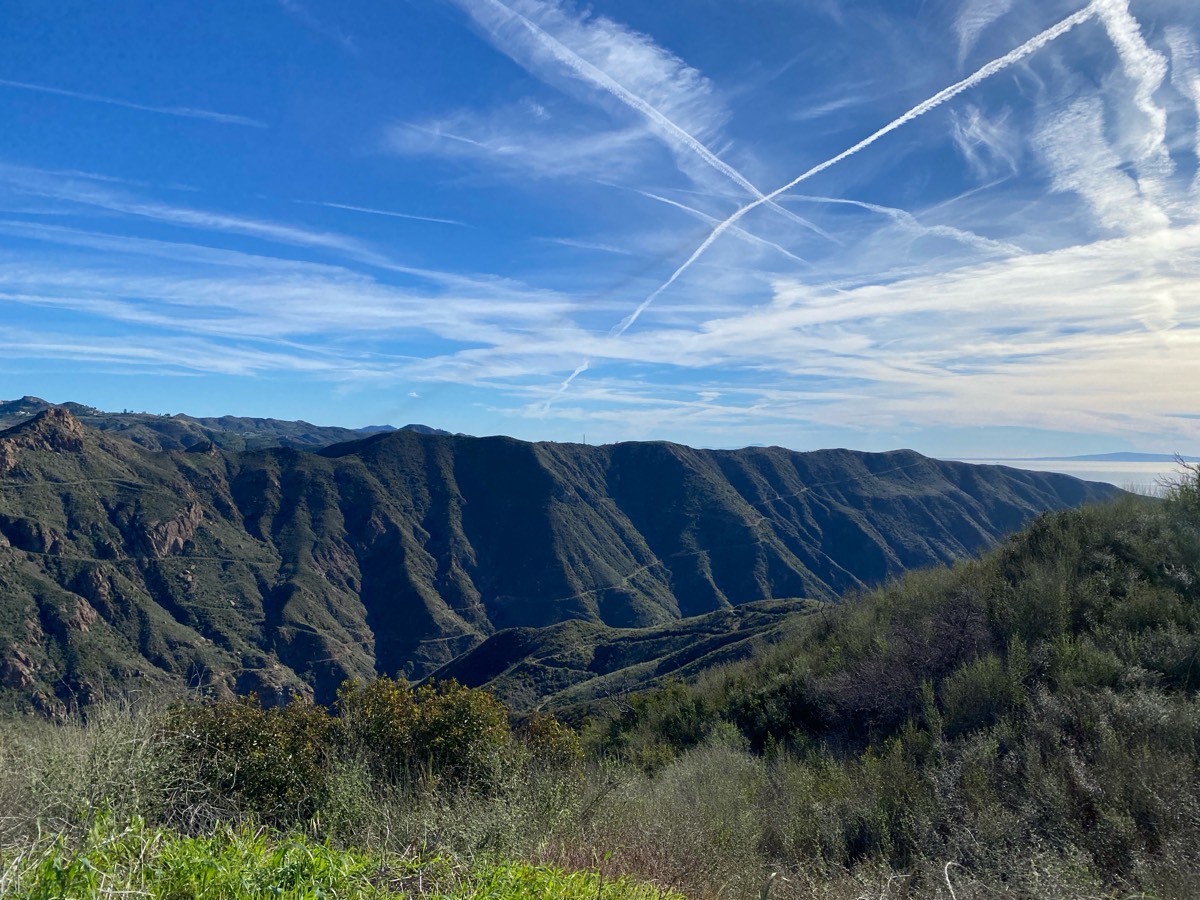
this time, on the descent to Bonsall, I could see the trail across the valley that we would later be on. makes me giddy!
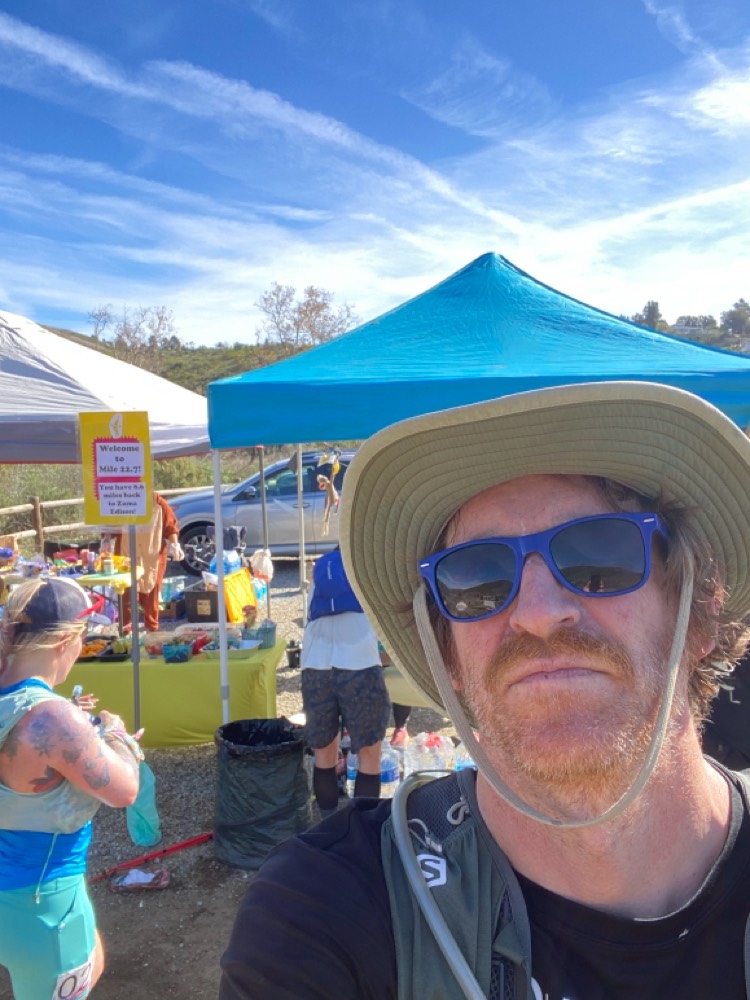
settling in to the race and getting ready to fall apart at mile 22, Bonsall
At mile 22 I stopped, saw a guy (hi, Peter) whom I had previously mistaken for Steve, put some squirrel nut butter and a bandaid on a hotspot on my big toe (worked well, never used that stuff before). Filled up to the brim with water.
(crows getting a free ride on the ridge)
I paid more attention to birds this year, and not just the crows. I'd like to go back to these trails with a camera and big lens and time to spare.
The massive climb out of Bonsall was nice since I knew what to expect (in 2020 it was demoralizing, lol), but it was really hot. There was a stream crossing where dipping your hat in the water was an amazing feeling (though within minutes it was back to heat). If I had more time I would've sat in it.
The second half of the race was more difficult. I no longer had the energy to take pictures. The aid station around the halfway point had a lot of bacon. I really wanted some but I couldn't bring myself to eat any. This seems to happen to me at this point, nausea and stuff. I need to figure this out (brain thinks I have food poisoning or something?). Maybe I should've tried a gel. Doesn't require chewing and pure sugar, might have been worth the try. Hindsight.
At mile 37-ish, drop bag again, grabbed lights, long sleeved shirt, other hat. Didn't want to mess with my socks so kept my original pair.
I kept moving, snacking a little bit here and there, trying to down some tailwind along with the water, hanging on. By mile 43 (nearly 11 hours after the 5:30am start) I was 5 minutes ahead of my 2020 time, and only 10 minutes behind Steve, but I really couldn't eat anything. I overhead a couple of people drop to the 50 miler. My legs felt OK, and it turned out if I continued on with the 100k route, I could always drop at 50 miles (since it was a 6-mile each way out-and-back that turned around near the finish). So I continued on. Up a hill, then down a really massive hill. Going up the hill was fine. Going down the hill was difficult. I haven't done enough quad strength training. Tsk tsk. I ran a little bit of it but it was mostly walking. Ate maybe 3 almonds, drank a few swigs of tailwind. It was starting to get dark. At the bottom of the hill it was along a riverbed for a while. Lots of frog sounds. I saw Steve when I was about 15 minutes away from the 50 mile aid station (so his lead was up to about 30-45 minutes at that point, I guess?).
The aid station people gave me a quarter of a banana, which I ate. It was not easy. They were nice (they are all). Someone I talked to earlier in the race asked if I had a pacer for this part, then looked at me like I was crazy for not. I remembered this, and asked if there were any freelance pacers available. No such luck.
Did the riverbed commute back to the climb, now with my head(waist)lamp on. Coming down the hill was a race marshall, sweeping the course. Nobody else would be coming down the hill. I could see headlamps far ahead, and occasionally see them far behind me, but for a long time I saw nobody, and heard only the sounds of frogs and wind. The moon rose, it had a lot of clouds in front of it and looked very red on the horizon.
I running a huge calorie deficit and was having to regulate my climbing of the hill in order to prevent bonking. I'd go too hard and have to back off because I could feel it wouldn't be sustainable. This was the toughest part of the experience, I think, this climb. When I was eventually caught by another runner, it was nice.
Going over the hill and back down to the mile 43 aid station (again, though now at 55-ish), with 7 miles to go. This aid station is a bit remote and you can't drop out of the race there, and I guess it was getting late, so the aid station captain was really big on getting me moving. Tried to get me to eat, but when I did my best picky eater impression he said (very nicely -- everybody volunteering at the aid stations were amazing) something to the effect of "well water is what you need most right now, now get moving." So I did. I ended up not having any real calories to speak of for the last 20 miles of the race, heh. Though almost all of those 20 miles were walked, not run.
After that final aid station, the last 7 miles were challenging but also pretty straightforward, the finish was within reach, and I had plenty of time to not hit the cutoff at a walking pace. My underwear had bunched up and I had some pretty significant butt chafing but it was too late to do anything about it, just had to suffer with it. Should've checked in for it hours ago, doh. Once I got to the flat ground of the last mile, walking at about 13 minutes/mile to the finish felt pretty good (flat!). I was sort of hoping to be DFL, but not enough to slow down when I saw some headlamps behind me.
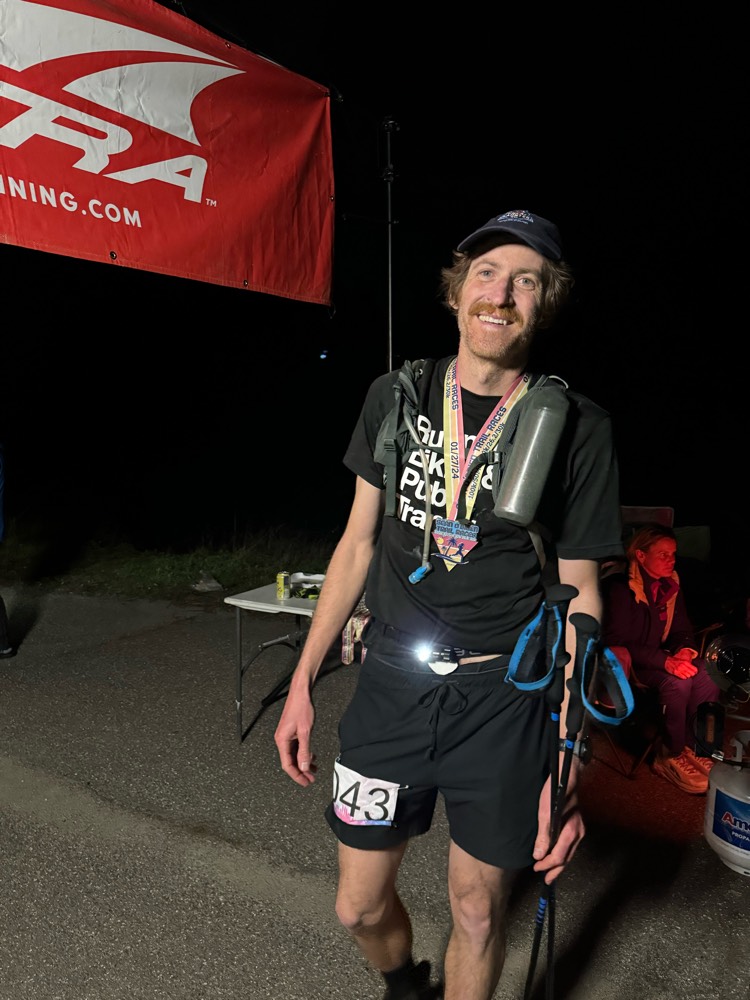
After more than 16 hours of running and hiking, Steve was waiting for me at the finish (having waiting 90 minutes! <3). There was food, but it would be hours until I could eat anything meaningful. We headed back to Tarzana, and watched some TV (was it Boys or 30 Rock? I can't remember) before crashing.
I got the shivers again. Seemed to be associated with movement, too. Didn't last too long, and not so bad. Way better than covid. Apparently it's about inflammation.
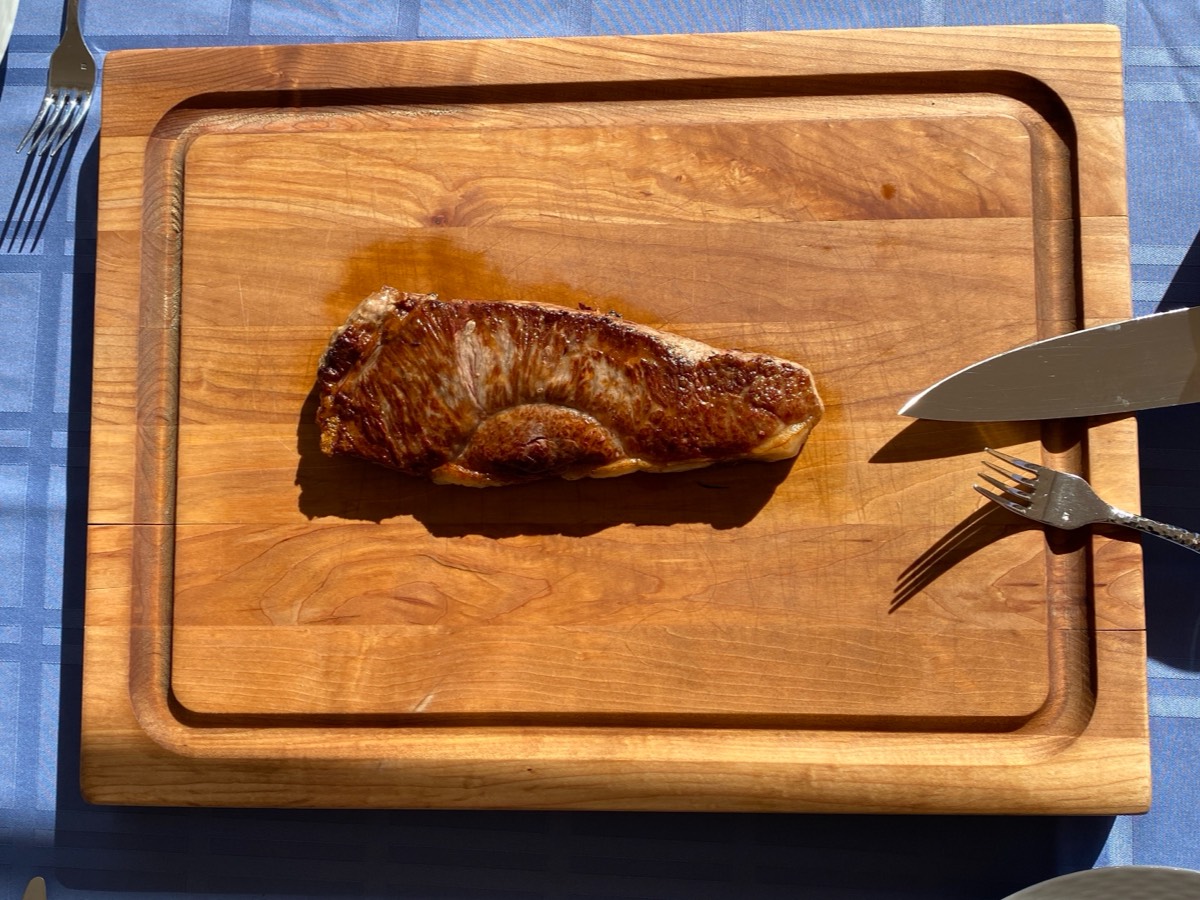
The next day Edward made us steak. Amazing.
There was ice cream, and a cold swim in a 55F pool. Total win.
Am I ready to do this race (including its 13,000ft of climbing and descent) again? No. But it won't be long.
4 Comments
Five years ago, in the year of our lord 2014, I wrote about the difficulties of drawing bitmapped graphics to screen in macOS, and I
revisited that issue again in the winter of 2017.
Now, I bring you what is hopefully the final installment (posted here for usefulness to the internet-at-large).
To recap: drawing bitmapped graphics to screen was relatively fast in macOS 10.6 using the obvious APIs (CoreGraphics/Quartz/etc), and when drawing to non-retina, normal displays in newer macOS versions. Drawing bitmapped graphics to (the now dominating) Retina displays, however, got slow. In the case of a Retina Macbook Pro, it was a little slow. The 5k iMacs display updates are excruciatingly slow when using the classic APIs (due to high pixel count, and expensive conversion to 30-bit colors which these displays support).
The first thing I looked at was the wantsLayer attribute of
NSView:
- If you use "mynsview.wantsLayer = YES", things get better. On normal displays, slightly, on a Retina Macbook Pro's display, quite a bit better. On a 5k iMac's display, maybe slightly better. Not much.
- Using the wantsLayer attribute seems to be supported on 10.6-current.
- For views that use layers, you can no longer [NSView lockFocus] the view and draw into it out of a paint cycle (which makes sense), which prevents us from implementing GetDC()/ReleaseDC() emulation.
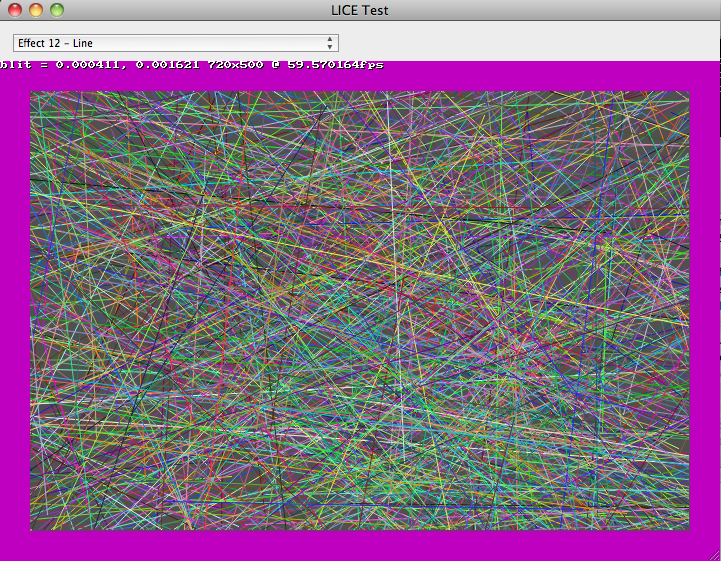
After seeing that enabling layers wasn't going to help the 5k iMacs (the ones that needed help the most!), I looked into Metal, which is supported on 10.11+ (provided you have sufficient GPU, which it turns out not all macs that 10.11 supports do). After a few hours of cutting and pasting example code in different combinations and making a huge mess, I did manage to get it to work. I made a very hackish build of the LICE test app, and had some people (who actually have 5k iMacs) test the performance, to see if would improve things.
It did (substantially), so it was followed by a longer process of polishing the mess of a turd into something usable, which is not interesting, though I should note:
- If you want to update the entire view every time, you can configure a CAMetalLayer properly and just shove your bits into the CAMetalLayer's texture and tell it to present and avoid having to create another texture and a render pipeline and all of that nonsense.
- If you want to do partial window updates (partial-invalidates, or a GetDC()-like draw), then you have to create a whole render pipeline, a texture, compile shaders, blah blah blah ugh.
- There's a bunch more work that needs to get done to make it all work (and adapt to changing GPUs, blah blah blah)...
This stuff is now in the "metal" branch of swell in
WDL, and will go to master when it makes sense. This is what is in the latest +dev REAPER builds, and it will end up in 6.0. I'm waiting for it to completely bite me in the ass (little things do keep coming up, hopefully they will be minor).
As one final note, I'd just like to admonish Apple for not doing a reasonable implementation of all of this inside CoreGraphics. The fact that you can't update the 5k iMac's screen via traditional APIs at an even-halfway-decent rate is really stupid.
P.S. It does seem if you want to have your application support Dark Mode, you can't use [NSView lockFocus] anymore either, so if you wish to draw-out-of-context, you'll have to use Metal...
Recordings:Decanted Youth - 1 - Supposed to Be -- [8:14]
Decanted Youth - 2 - (Vaguely Instrumental) Legacy -- [16:11]
Decanted Youth - 3 - (Vaguely) Round and Round -- [5:15]
Decanted Youth - 4 - The Squeeze -- [6:31]
Decanted Youth - 5 -- [3:16]
Decanted Youth - 6 - (mini cover medley) -- [10:03]
Decanted Youth - 7 -- [9:15]
Decanted Youth - 8 -- [8:26]
Decanted Youth - 9 - Trees and Mold -- [9:37]
Decanted Youth - 10 -- [4:53]
Decanted Youth - 11 -- [9:05]
Decanted Youth - 12 -- [7:02]
6 Comments
To follow up on my last article about Linux on the ASUS T100TA, I recently acquired (for about $150) an
ASUS C201 Chromebook, with a quad-core (1.8ghz?) ARM processor, 4GB RAM, and a tiny 16GB SSD. This is the first time I've used a Chromebook, and ChromeOS feels not-so-bad. I wish we could target it directly!
...but we can't! At least, not without going through Javascript/WebAssembly/whatever. Having said that, one can put it in developer mode (which isn't difficult but also is sort of a pain in the ass, especially when it prompts you whenever it boots to switch out of developer mode, which if you do will wipe out all of your data, ugh). In developer mode, you can use
Crouton to install Linux distributions in a chroot environment (ChromeOS uses a version of the Linux kernel, but then has its own special userland environment that is no fun).
I installed Ubuntu 16.04 (xenial) on my C201, and it is working fine for the most part! It's really too bad there's no easy way to install Ubuntu completely native, rather than having to run it alongside ChromeOS. ChromeOS has great support for the hardware (including sleeping), whereas when you're in the Ubuntu view, it doesn't seem you can sleep. So you have to remember to switch back to ChromeOS before closing the lid.
So I built REAPER on this thing, fun! And I still have a few GB of disk left, amazingly. Found a few bugs in EEL2/ARM when building with gcc5, fixed those (I'm now aware of __attribute__((naked)), and
__clear_cache()).
Some interesting performance comparisons, compiling REAPER:
- C201 (gcc 5.4): 9m 7s
- T100TA (gcc 6.3): 8m 45s
- Raspberry Pi 3 w/ slow MicroSD (gcc 4.7): 28m
REAPER v5.50rc6 (48khz, 256 spls, stock settings), "BradSucks_MakingMeNervous.rpp" from old REAPER installers -- OGG Vorbis audio at low samplerates, a few FX here and there, not a whole lot else:
- C201: 28% CPU, 13% RT CPU, 15% FX CPU, longest block: 1.5ms
- T100TA: 22% CPU, 9% RT CPU, 10% FX CPU, longest block 0.9ms
(The T100TA's ALSA drivers are rough, can't do samplerates other than 48khz, can't do full duplex...)
Overall both of these cheapo laptops are really quite nice, reasonably usable for things, nice screens, outstanding battery life. If only the C201 could run Linux directly without the ugly ChromeOS developer-mode kludge (and if it had a 64GB SSD instead of 16GB...). Also, I do miss the T100TA's charge-from-microUSB (the C201 has a small 12V power supply, but charging via USB is better even if it is slow).
I'll probably use the T100TA more than the C201 -- not because it's slightly faster, but because I feel like I own it, whereas on the C201 I feel like I'm a guest of Google's (as a side note, apparently you can
install a fully native Debian, but I haven't gotten there yet.. The fact that you have to use the kernel blob from ChromeOS makes me hesitate more, but one of these days I might give it a shot).
4 Comments
I've been working on a REAPER linux port for a few years, on and off, but more intensely the last month or two. It's actually coming along nicely, and it's mostly lot of fun (except for getting clipboard/drag-drop working, ugh that sucked ;). Reinventing the world can be fun, surprisingly.
I've also been a bit frustrated with Windows (that crazy defender/antispyware exploit comes to mind, but also one of
my Win10 laptops used to update when I didn't want it to, and now won't update when I do), so I decided to install
linux on my T100TA. This is a nice little tablet/laptop hybrid which I got for $200, weighs something like 2 pounds, has a quad core
Atom Bay Trail CPU, 64GB of MMC flash, 2GB of RAM, feels like a toy, and has a really outstanding battery life (8 hours
easily, doing compiling and whatnot). It's not especially fast, I will concede. Also, I cracked my screen, which
prevents me from using the multitouch, but other than that it still works well.
Anyway, linux isn't officially supported on this device, which boots via EFI, but following this guide worked on the first try, though I had to use the audio instructions from
here. I installed Ubuntu 17.04 x86_64.
I did all of the workarounds listed, and everything seemed to be working well (lack of suspend/hibernate is an obvious shortcoming, but it booted pretty fast), until the random filesystem errors started happening. I figured out that the errors were occurring on read, the most obvious way to test would be to run:
debsums -c
which will check the md5sum for the various files installed by various packages. If I did this with the default configuration, I would get random files failing. Interestingly, I could md5sum huge files and get consistent (correct results). Strange. So I decided to dig through the kernel driver source, for the first time in many many years.
Workaround 1: boot with:
sdhci.debug_quirks=96
This disables DMA/ADMA transfers, forcing all transfers to use PIO. This solved the problem completely, but lowered the transfer rates down to about (a very painful) 5MB/sec. This allowed me to (slowly) compile kernels for testing (which, using the stock ubuntu kernel configuration, meant a few hours to compile the kernel and the tons and tons of drivers used by it, ouch. Also I forgot to turn off debug symbols so it was extra slow).
I tried a lot of things, disabling various features, getting little bits of progress, but what finally ended up fixing it was totally simple. I'm not sure if it's the correct fix, but since I've added it I've done hours of testing and haven't had any failures, so I'm hoping it's good enough.
Workaround 2 (I was testing with 4.11.0):
--- a/drivers/mmc/host/sdhci.c
+++ b/drivers/mmc/host/sdhci.c
@@ -2665,6 +2665,7 @@ static void sdhci_data_irq(struct sdhci_host *host, u32 intmask)
 				 */
 				host->data_early = 1;
 			} else {
+				mdelay(1); // TODO if (host->quirks2 & SDHCI_QUIRK2_SLEEP_AFTER_DMA)
 				sdhci_finish_data(host);
 			}
 		}
Delaying 1ms after each DMA transfer isn't ideal, but typically these transfers are 64k-256k, so it shouldn't cause too many performance issues (changing it to usleep(500) might be worth trying too, but I've recompiled kernel modules and regenerated initrd and rebooted way way too many times these last few days). I still get reads of over 50MB/sec which is fine for my uses.
To be properly added it would need some logic in sdhci-acpi.c to detect the exact chipset/version -- 80860F14:01, not sure how to more-uniquely identify it -- and a new SDHCI_QUIRK2_SLEEP_AFTER_DMA flag in sdhci.h). I'm not sure this is really worth including in the kernel (or indeed if it is even applicable to other T100TAs out there), but if you're finding your disk corrupting on a Bay Trail SDHCI/MMC device, it might help!
6 Comments
TL;DR: Retina iMac (4k/5k) owners can greatly improve the graphics performance of many applications (including REAPER) by setting the color profile (in System Preferences, Displays, Color tab) to "Generic RGB" or "Adobe RGB." (and restarting REAPER and/or other applications being tested)
I previously wrote in mid-2014 about the state of blitting bitmaps to screen on modern OS X (now macOS) versions. Since then, Apple has released new hardware (including Retina iMacs) and a couple of new macOS versions.
Much of that article is still useful today, but I made a mistake in the second update:
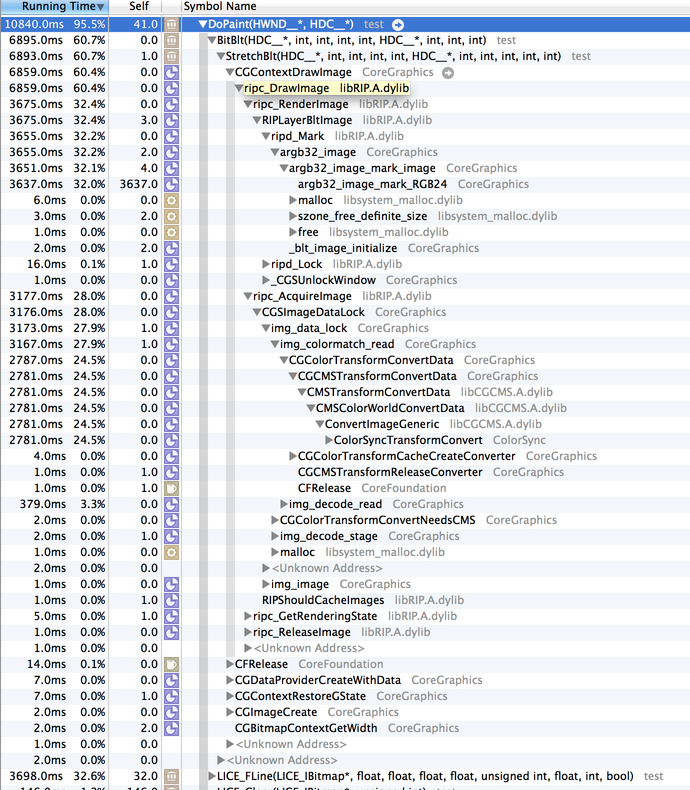
OK, if you provide a bitmap that is twice the size of the drawing rect, you can avoid argb32_image_mark_RGBXX, and get the Retina display to update in about 5-7ms, which is a good improvement (but by no means impressive, given how powerful this machine is). I made a very simple software scaler (that turns each pixel into 4), and it uses very little CPU.
While this was helpful (and did decrease the amount of time spent blitting), it was wrong in that the reason for the faster blit was that the system was parallelizing the blit with multiple cores. So, it was faster, but it also used more CPU (and was generally wasteful).
I discovered this because I've been researching how to improve REAPER's graphic performance on the iMac 5k in particular, so I started benchmarking. This time around, I figured I should measure how many screen pixels are updated and divide that by how long it takes. Some results, based on my memory (I'm not going to rerun them for this article, laziness).
Initial version (REAPER 5.32 state, using the retina hack described above, public WDL as of today):
- old C2D iMac, 10.6: 350MPix/sec
- mid-2012 RMBP 15", 10.12, Thunderbolt display (non-retina): 1500MPix/sec
- mid-2012 RMBP 15", 10.12, built-in display (retina): 800MPix/sec
- late-2015 Retina iMac 5k, 10.12: 192MPix/sec
The one that really jumped out at me was the Retina iMac 5k -- it's a quarter of the speed of the RMBP! WTF. We'll get to that later.
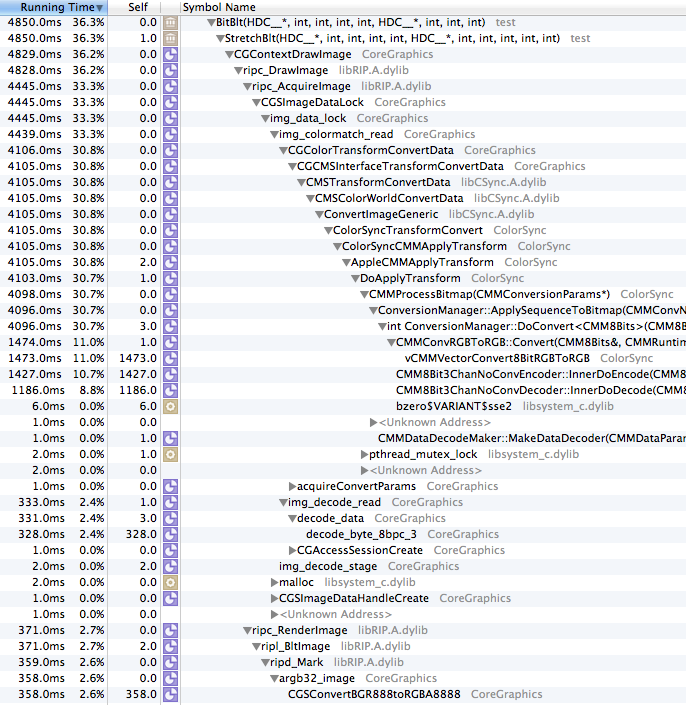
After I realized the hack above was actually doing more work (thank you, Xcode instrumentation), I did some more experiments, avoiding the hack, and found that in the newer SDKs there are kCGImageByteOrderXYZ flags (I don't believe it was in previous SDKs), and found that these alised to KCGBitmapByteOrderXYZ, and that when using
kCGBitmapByteOrder32Host with the pixel format for CGImageCreate()/etc, it would speed things up.
With retina hack removed:
- mid-2012 RMBP 15", 10.12, built-in display (retina): 300MPix/sec
- late-2015 Retina iMac 5k, 10.12: 152MPix/sec
With retina hack removed and byte order set to host:
- old C2D iMac, 10.6: 350MPix/sec
- mid-2012 RMBP 15", 10.12, Thunderbolt display (non-retina): 1500MPix/sec
- mid-2012 RMBP 15", 10.12, built-in display (retina): 720MPix/sec
- late-2015 Retina iMac 5k, 10.12: 200MPix/sec
The non-retina displays might have changed slightly, but it was insignificant. So, by setting the byte order to native, we get the Retina MBP close to the level of performance of the hack, which isn't great but is serviceable, and at least the CPU use is decreased. This also has the benefit (drawback?) of making the byte-order of pixels the same on macOS/Intel and win32, which will take some more attention (and a lot of testing).
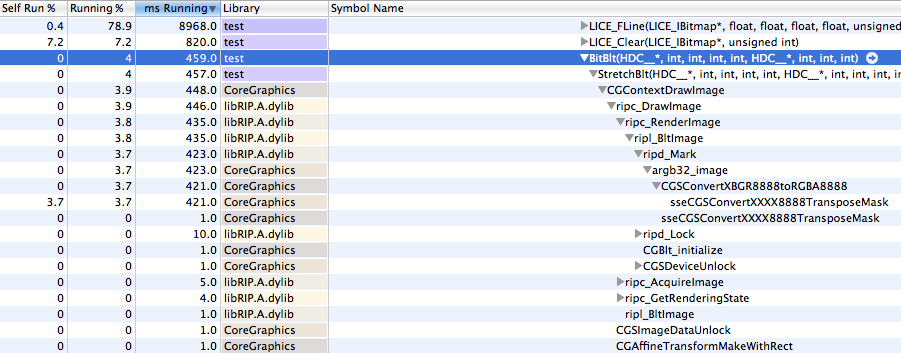
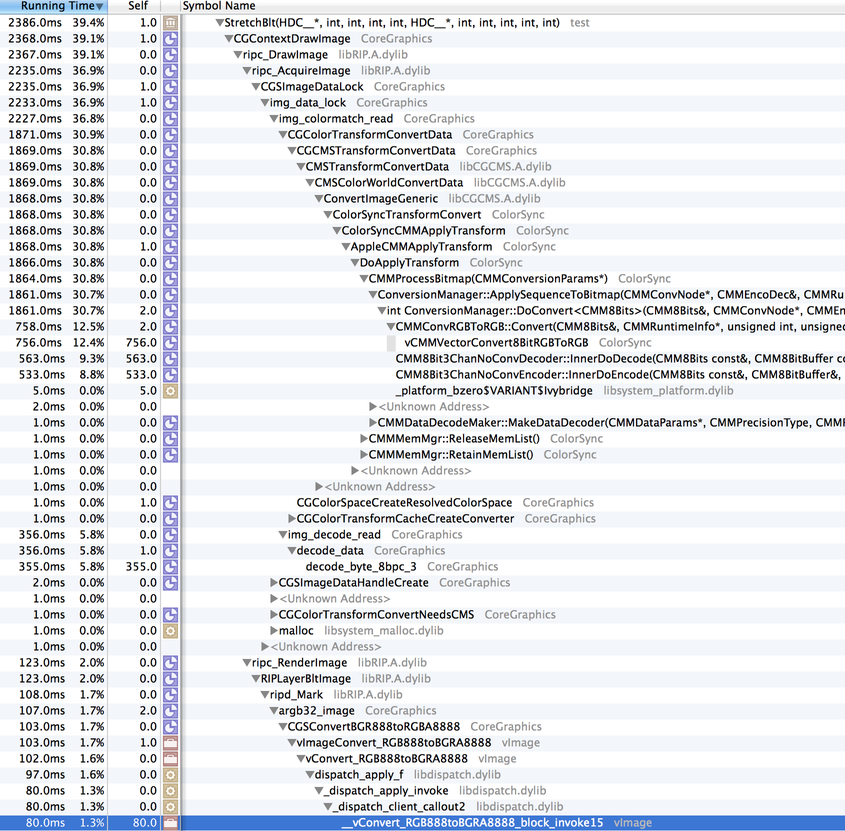
From profiling and looking at the code, this blit performance could easily be improved by Apple -- the inner loop where most time is being spent does a lot more than it needs to. Come on Apple, make us happy. Details offered on request.
Of course, this really doesn't do anything for the iMac 5k -- 200MPix/sec is *TERRIBLE*. The full screen is 15 megapixels, so at most that gets you around 13fps, and that's at 100% CPU use. After some more profiling, I found that the function chewing the most CPU ended in "64". Then it hit me -- was this display running in 16 bits per channel? A quick google search later, it was clear: the Retina iMacs have 10-bit displays, and you can run them in 10 bits per channel, which means 64 bits per pixel. macOS is converting all of our pixels to 64 bits per pixel (I should also mention that it seems to be doing a very slow job of it). Luckily, changing the color profile (in system preferences, displays) to "Generic RGB" or similar disables this, and it gets the ~800MPix/sec level of performance similar to the RMBP, which is at least tolerable.
Sorry for the long wordy mess above, I'm posting it here so that google finds it and anybody looking into why their software is slow on macOS 10.11 or 10.12 on retina imacs have some explanation.
Also please please please Apple optimize CGContextDrawImage()! I'm drawing an image with no alpha channel and no interpolation and no blend mode and the inner loop is checking each pixel to see if the alpha is 255? I mean wtf. You can do better. Hell, you've done way better. All that "new" Retina code needs optimizing!
Update a few hours later:
Fixing various issues with the updated byte-ordering, CoreText produces quite different output for CGBitmapContexts created with different byte orderings:

Hmph! Not sure which one is "correct" there... hmm... If you use kCGImageAlphaPremultipliedFirst for the CGBitmapContext rather than kCGImageAlphaNoneFirst, then it looks closer to the original, maybe. ?
Also other caveat: NSBitmapImageRep can't seem to deal with the ARGB format either, so if you use that you need to manually bswap the pixels...
Update (2019): SolvedWorked around most of this issue by using Metal, read here.
4 Comments
Hooray! Thank you to my fine coworkers/coconspirators: Schwa, Christophe, Ollie, White Tie, Geoff, and all of the lovely people who helped test
and gave valuable feedback. Schwa and White Tie did a fantastic job on the new web site, too, I must say. <3
Soon after posting the new website (thank you, git, for making that easy), and after grabbing a celebratory coffee, I noticed the web
site was a bit slow. The CPU use was low (an Amazon EC2 instance), but on looking at the bandwidth graph I saw it was pushing a ridiculous amount
of traffic (presumably saturating the link, even). After mirroring the downloads to a CDN (CloudFront), all was well. Thank you, Amazon. I'm very
impressed with AWS/EC2/etc. It's good stuff.
8 Comments
(of REAPER)... is up.
The biggest single thing in it is that I made a nice system that buffers all source material in another thread, so the audio thread doesnt have to wait around for a slow network device or disk, etc (well, it still might have to, but it's a lot less likely). All of the effects and mixing of tracks still run in the audio thread, though that may change eventually, but for now it makes sense (since you may be monitoring an input on those channels, and would want to have the effects applied on there with as little latency as possible). At any rate, playback is now a LOT more reliable, with less little dropouts. It took me a few days of thinking to come up with this compromise, and a few hours to code it, but I'm pretty happy about it, thus far.
The other thing of interest is I made a separate position and playback cursor, so you can see where actions such as splitting will take place (or where you will start playback if you hit play and you were stopped). Makes a lot more sense now.
And there's a bunch of other small things (MIDI peaks now show the approximate notes/durations/etc), VST latency compensation, bla bla bla.
I picked up a $200 Behringer midi/usb control surface, going to add support for it tonight I think. Initially the faders will just map to volume sliders (and be controlled by them), but eventually there will be automation modes, I'm planning (automation will be supported with or without a real surface, that is, mmmm).
So much to do + no deadline = happy justin.
Comment...


 As a followup to the last post, here is a picture of the new Jesusonic model in development.
It's considerably smaller than the CrusFX 1000, and has plenty of room to shrink even more
for the production model. This is the secular alternative to the CrusFX, and has other
advantages. This one measures about 21" wide, 9" deep, and 3.25" high. I am pretty confident
that will be able to be more like 8" deep and 2.5" high soon.
On a personal note, it's very satisfying going through an interative design process, learning as
I go, and realizing "hey, the next model I can make it even smaller."
I think this model is going to get stained, as well. yum. The screen and keyboard will be recessed
into the top of it, the knobs will be along the front of the top (and they will be protected if
I get my way), the CF slot will be on the right side, all the power and audio i/o will be on
the back, and the right side will have the footboard and expression pedal ports.
Soon I will be building the custom boards for this model. I set up a new little desk just for
soldering and testing. fun.
I still need to find a nice compact backlit keyboard. help.
As a followup to the last post, here is a picture of the new Jesusonic model in development.
It's considerably smaller than the CrusFX 1000, and has plenty of room to shrink even more
for the production model. This is the secular alternative to the CrusFX, and has other
advantages. This one measures about 21" wide, 9" deep, and 3.25" high. I am pretty confident
that will be able to be more like 8" deep and 2.5" high soon.

On a personal note, it's very satisfying going through an interative design process, learning as
I go, and realizing "hey, the next model I can make it even smaller."

I think this model is going to get stained, as well. yum. The screen and keyboard will be recessed
into the top of it, the knobs will be along the front of the top (and they will be protected if
I get my way), the CF slot will be on the right side, all the power and audio i/o will be on
the back, and the right side will have the footboard and expression pedal ports.

Soon I will be building the custom boards for this model. I set up a new little desk just for
soldering and testing. fun.

I still need to find a nice compact backlit keyboard. help.